
Android TV and Google TV
Coming soon to Google PlayNucey is coming to Google Play soon. Until then, a beta is running with a select group of testers. Want to join? Sign up in the Reddit post.
- PriceFree
- SystemAndroid 11 or later
- Version1.11.0
For Jellyfin on Android TV and Google TV
Nucey brings the movies and shows from your own Jellyfin server to your TV. Built for the remote and for watching from the couch.

Try it out: hover over the titles, tap them or use the arrow keys. The selection moves instantly. The artwork follows 260 ms later and crossfades in 380 ms. Just like in the app.
The principle
Every decision in Nucey is measured against this line. Images arrive when they’re ready. A spinner that keeps you waiting counts as a bug, even if nothing crashes.
The film
Everything that makes Nucey special, in one minute.

The video is hosted on YouTube. Starting it sends data such as your IP address to Google, and this site remembers your choice. Learn more (in German)
YouTube is enabled for this site.
Center stage
The artwork fills the room while the interface steps back. Controls come in fine shades of white. The color comes from your movies.
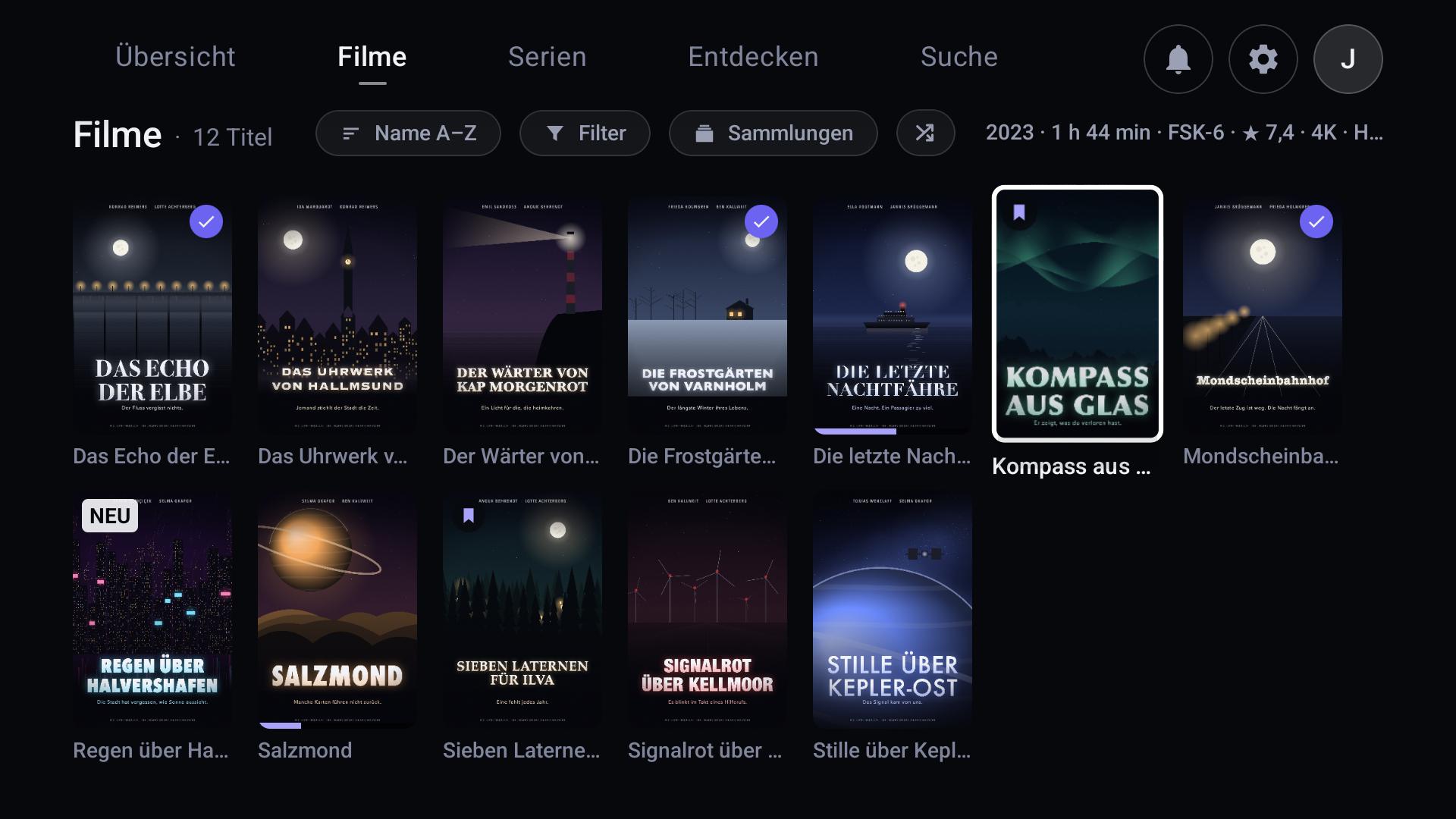
Continue Watching, Up Next, My List and what’s new in your library.
Continue Watching also appears on the Android TV and Google TV home screen.
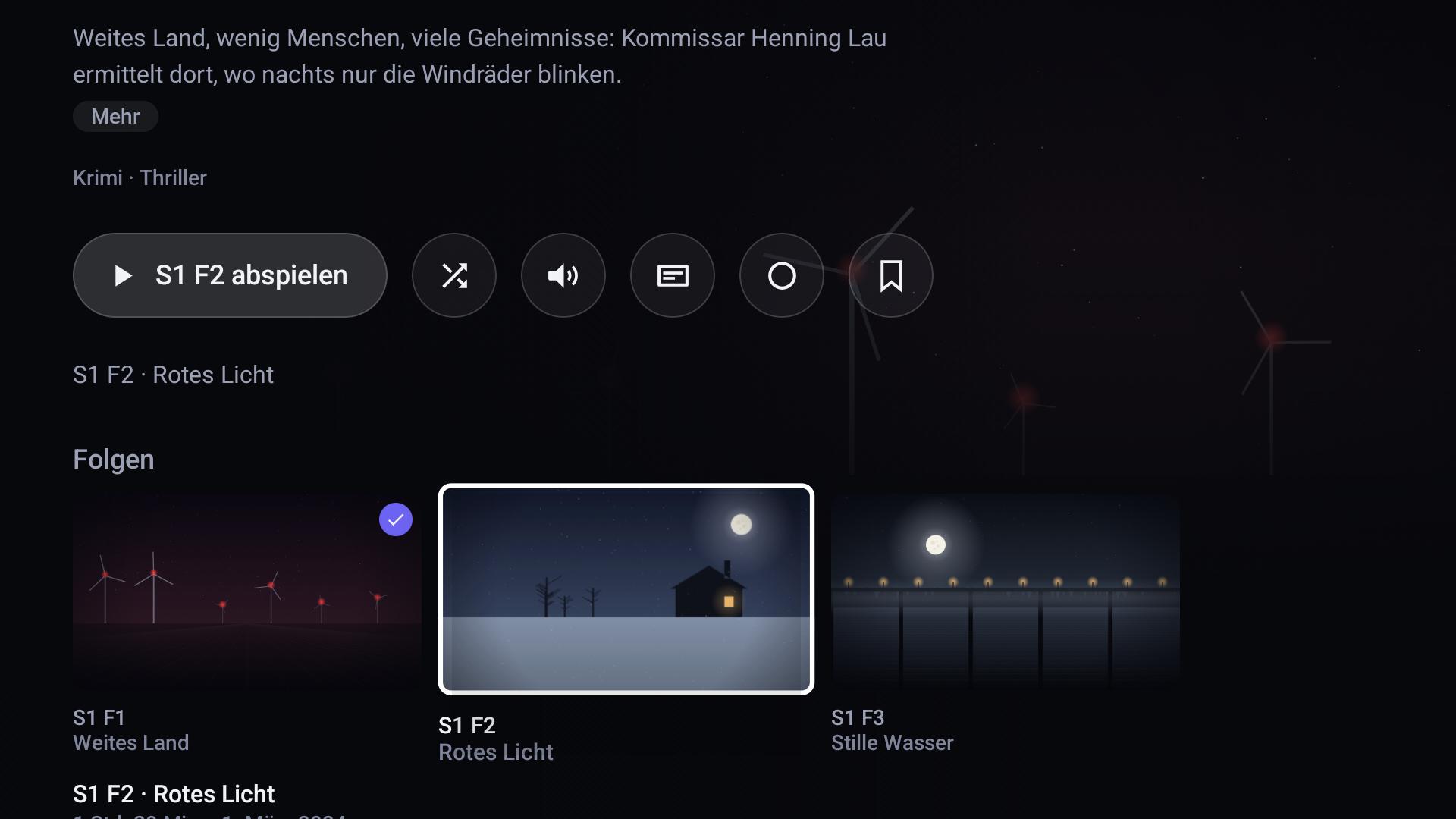
Shows open at the episode you’ll want to watch next. The show page also tells you what’s missing on your server.
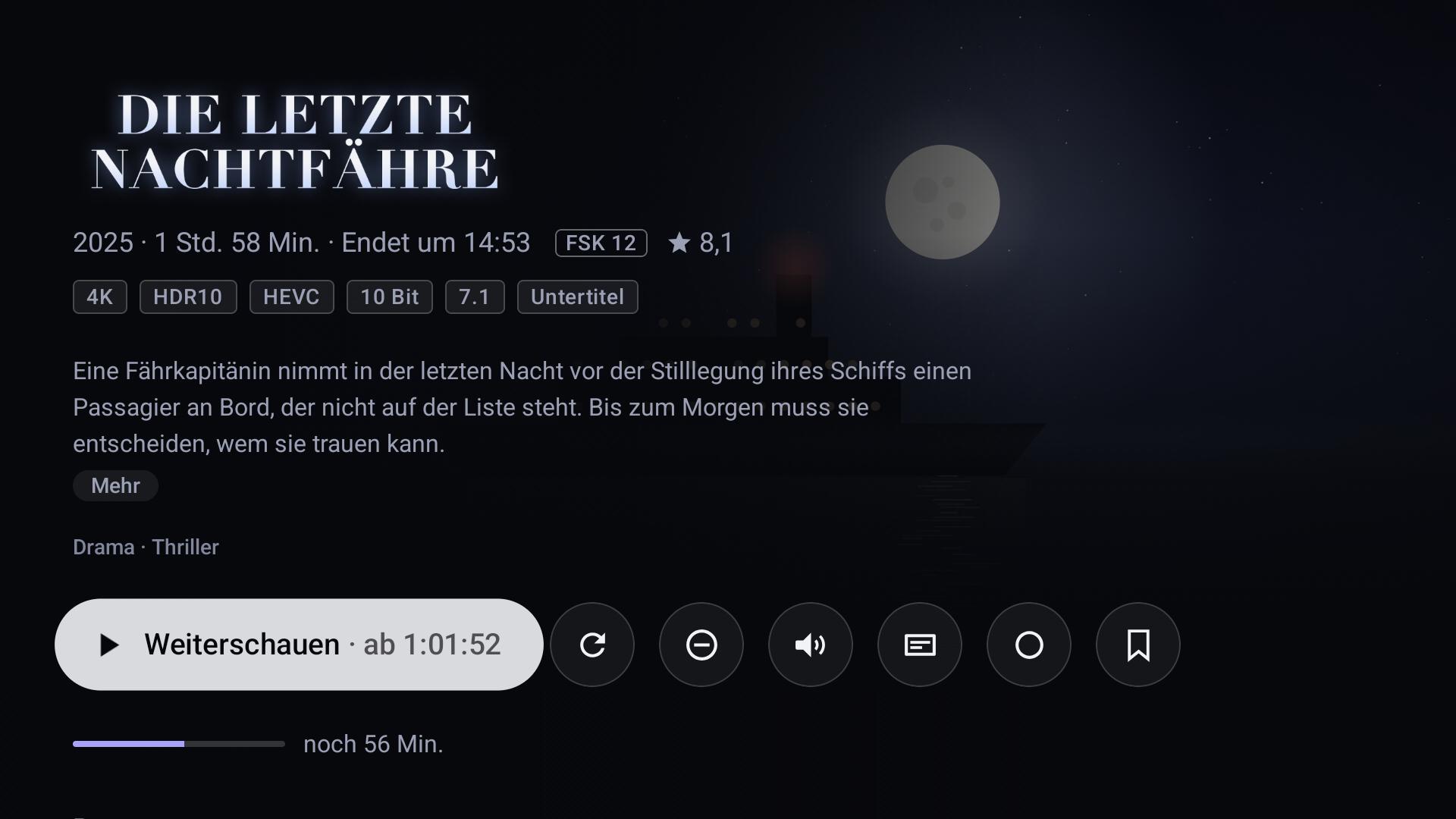
Cast, similar titles, picture format and audio tracks at a glance.
Turn it on and the theme song plays softly on the detail page, fading in over four seconds.
Everything you save waits in its own row. One press and it’s in.
The player
Direct Play whenever possible: if the file suits your device, it plays untouched. Bit for bit, with no load on your server.
If your TV supports HDR and Dolby Vision, you see both exactly as they are in the file.
Optionally, audio passes straight through to your TV or sound system. If the device can’t take it, the server converts it to a format that fits.
If your TV can switch its refresh rate, every movie plays at its own frame rate. No judder on camera pans.
Intros, recaps and credits: ask first, skip automatically or never skip. If you rewind to watch the intro after all, Nucey won’t push you past it again.
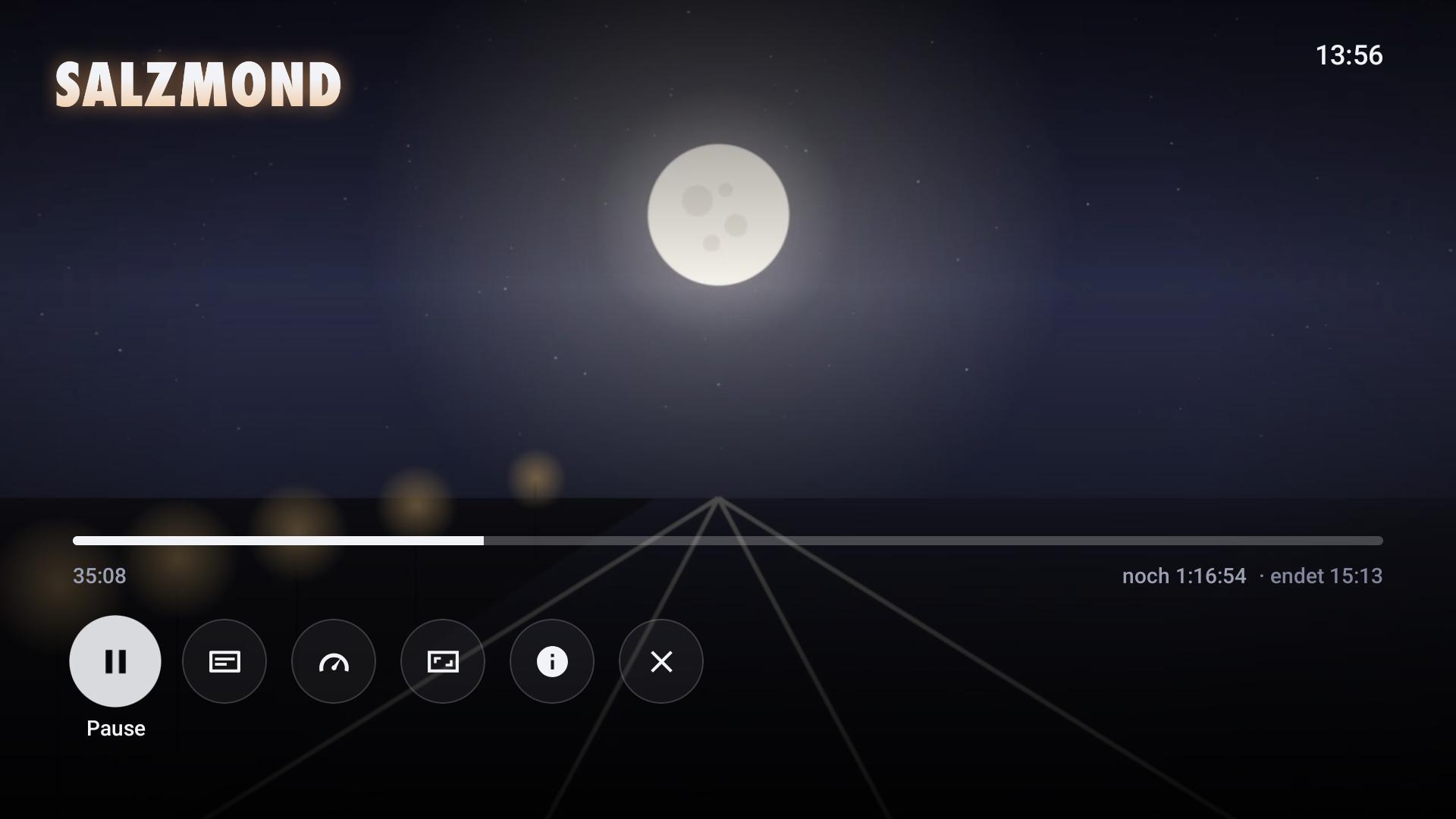
Preview images while you seek, so you find the scene before you let go. Jump straight to any chapter.
Nucey remembers audio and subtitles for each show. Set them once, never hunt for them again.
Stop within the first 30 seconds and it starts from the top next time. From 95% on, a title counts as watched. Anywhere in between, Nucey backs up eight seconds so you can ease back in.
0.75× to 2×, for the current title only. Nobody wants a forgotten 1.75× in their next movie.
If you fall asleep, Nucey checks in instead of playing through half the season.
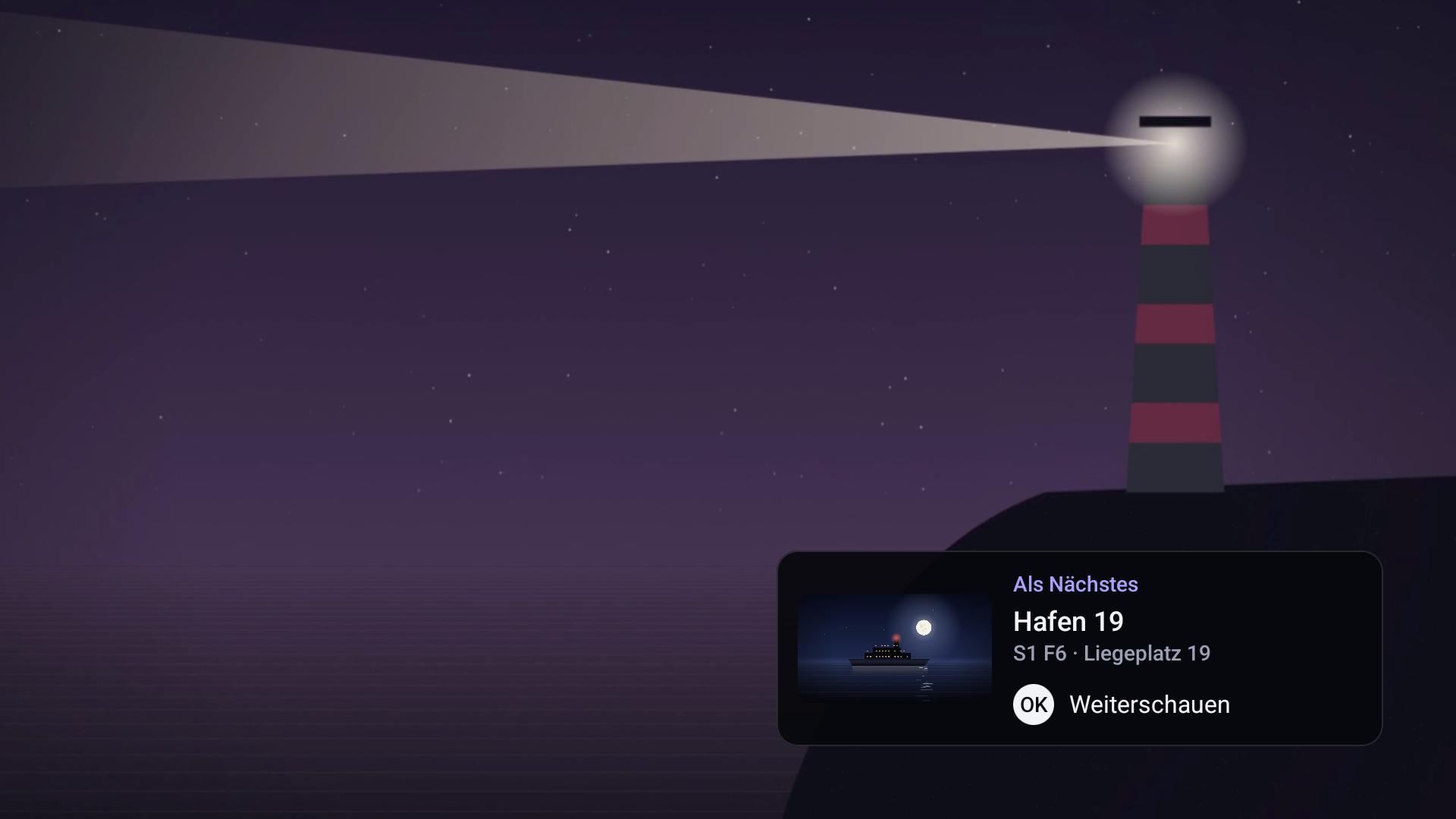
Shortly before the end, Nucey preloads the start of the next episode. One press of OK and it keeps going, faster than you could get up.
Search and Discover
One search box for your library and for new requests. What’s there plays. What’s missing is one press away from a request.
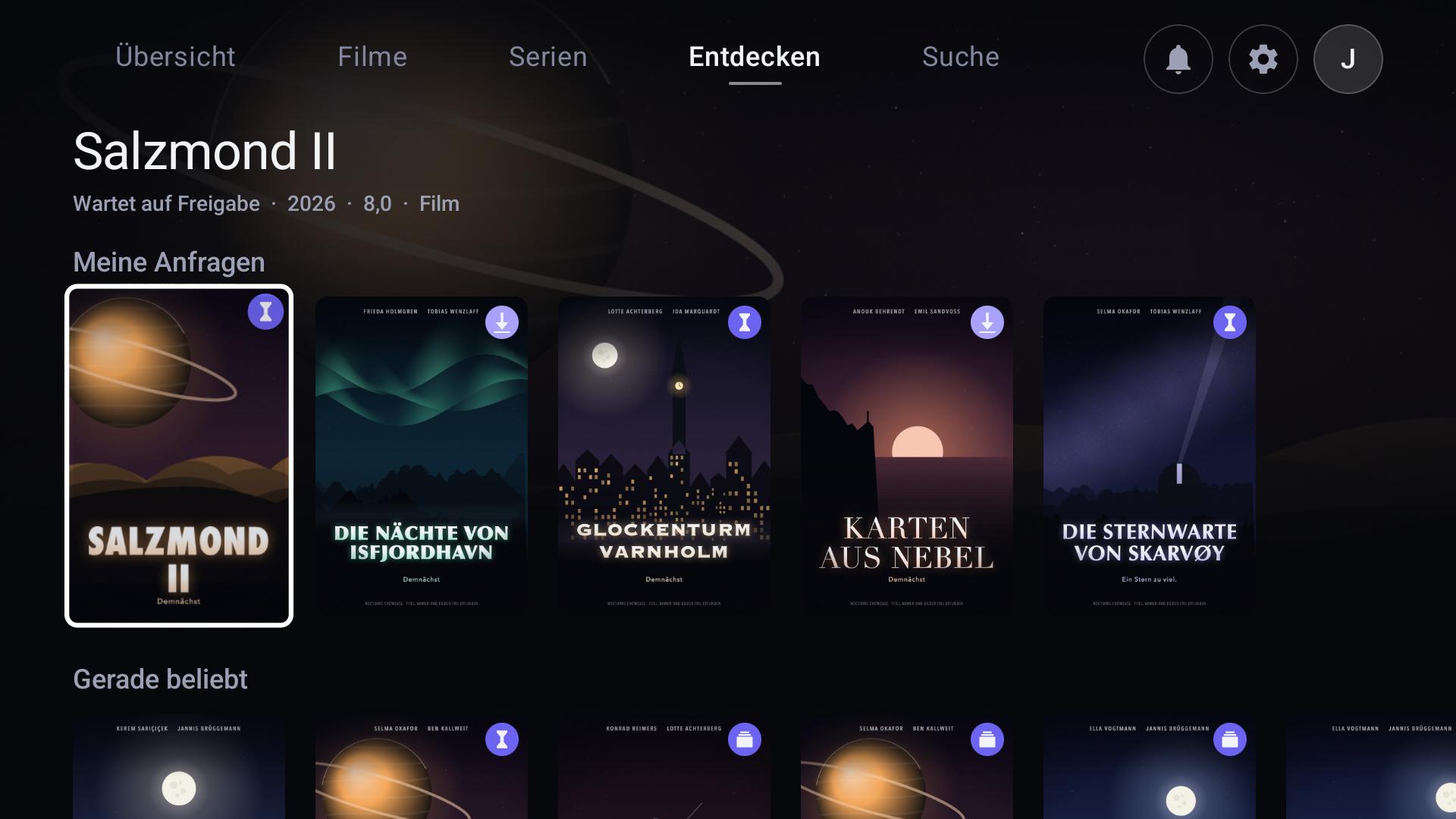
Trending, Coming to Theaters, Upcoming Shows and your requests with their current status. If a title is already on your server, one press opens its page.
It lets you know as soon as a request is available or a new season you’re missing comes out.
When you finish the last episode you have of a show, Nucey offers to request the missing season. It never requests anything without you.
Requests and Discover use Jellyseerr or Seerr, which you run yourself alongside Jellyfin. It’s optional. Without it, only this part is missing and everything else works as usual. Nucey itself never downloads any content.

For everyone at home
Privacy
Nucey talks to your server. Sign-in, watch progress and requests go there and nowhere else. No analytics, and nothing that begs for your attention.
To make sure only unmodified, current versions run, the app checks a signed status file at launch. This file can block the app, require a minimum version (for example after a security fix) or show a notice.
"active"active or blocked36oldest version that still starts""notice for everyone, usually empty7days without a connection✓signature, verified on the deviceDownload
Nucey is coming to Google Play soon. Until then, a beta is running with a select group of testers. Want to join? Sign up in the Reddit post.
A web app you run yourself alongside Jellyfin. It launches from your Home Screen like an app and picks up playback from your TV.
With the server plugin, you set up Seerr and intro skipping once for every Nucey device on your Jellyfin server. Requires Jellyfin 12.
How to install itRepository URL
https://nucey.de/jellyfin/manifest.json With your own media, ideally on a recent version.
A TV or streaming box running Android 11 or later.
Your own Jellyseerr or Seerr server for requests. Nucey works fine without it.
Nothing. No subscription, no account with us, no ads and no in-app purchases.
A lot of time, a lot of work and some of my own money have gone into Nucey. Still, anyone can use it for free. But I keep the source code, everything behind the scenes, to myself. That way the project stays in my hands.
None of this affects your data. Sign-in, watch progress and requests only go to your own server. There is no tracking and there are no analytics. Any other connections are listed under Privacy and in the privacy policy (in German).
If you only want to use open-source software, there are open-source clients for Jellyfin. Nucey is closed source by choice.
Only the small server plugin for Jellyfin is open, under the GPL-3, as required by the Jellyfin libraries it builds on. Here is the plugin’s source code as a ZIP.
No. Nucey is only an app for playback. Nucey offers no movies, shows or other content, hosts nothing and gives no access to media. You need your own media on your own server and the rights to it.
Yes. Nucey is a client, not a streaming service. Setting up and running your Jellyfin server is up to you.
A free media server. You put your movies and shows on your own computer or NAS, and Jellyfin turns them into a library you can watch on all your devices. Nucey is how you enjoy it on your TV.
A separate project that runs alongside Jellyfin and used to be called Jellyseerr. It lets you request movies and shows that are missing from your library. Nucey can optionally connect to Seerr, and requests go to your own Seerr.
As an admin, you use the server plugin to decide once what applies to every Nucey device on your Jellyfin server, such as Seerr and skipping intros and credits. It requires Jellyfin 12.
In the dashboard under Plugins, choose “Manage Repositories” and then “New Repository”. Name it Nucey and use this address as the URL: https://nucey.de/jellyfin/manifest.json
Nucey then appears under Plugins in “Available”. Install it and restart Jellyfin. You’ll find the settings under Plugins, Nucey, Settings.
No, there is no support service for that, not even a paid one. Both projects have their own documentation.
No. Nucey is an independent project and is not affiliated with the Jellyfin project.
By design. Nucey does movies and shows, and does them right.
No. Nucey streams from your server, at home and on the go.
A web app is in the works. You run it yourself alongside Jellyfin. Add it to your Home Screen and it launches like an app. It also picks up playback from your TV. Once it’s ready, you’ll find it here.
Yes, until October 2026. Lots of other apps are called Nocturne, so it got a name of its own. It’s still the same app.
Nucey is developed by ElFritto as an independent project. Provider details are in the legal notice (in German).